
OCR engines
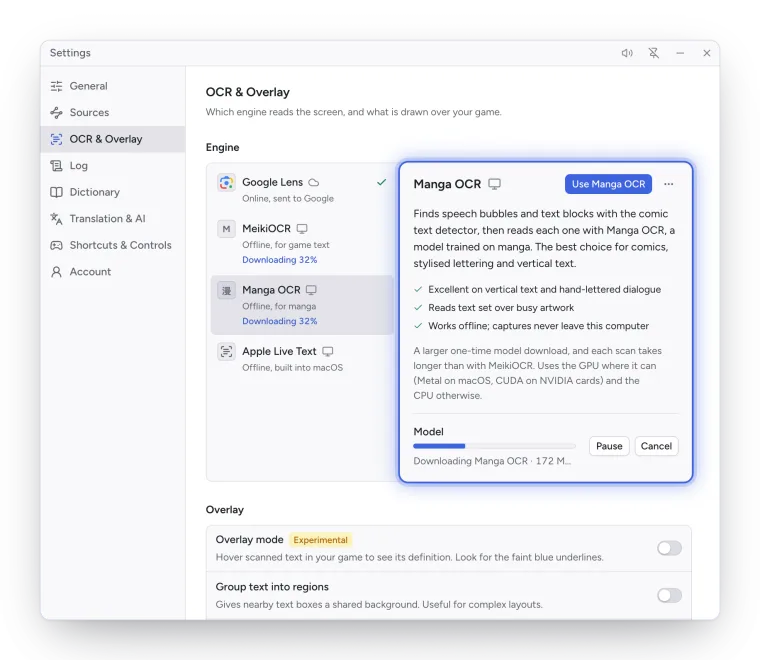
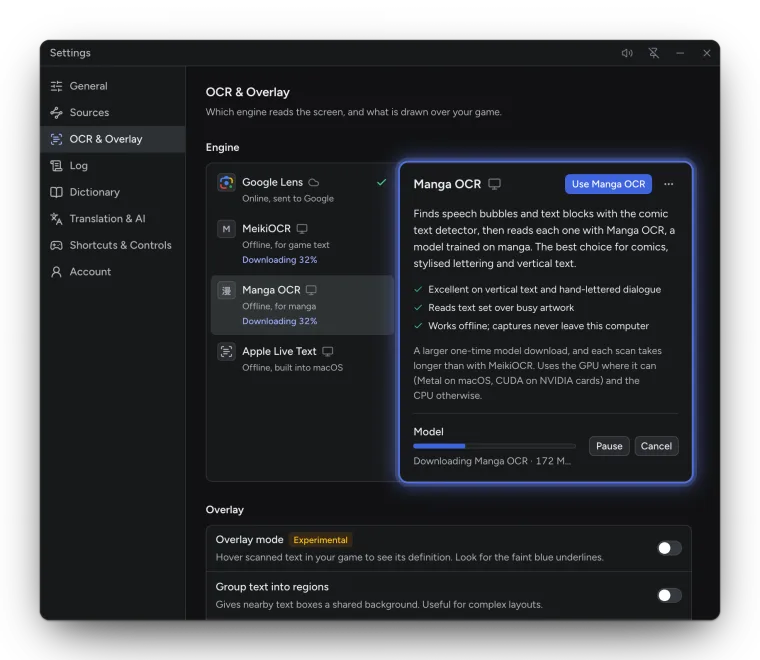
The OCR engine turns each capture into text. Choose it in the sidebar’s OCR model menu, or in Settings → OCR & Overlay, where each engine has its description, strengths and requirements.
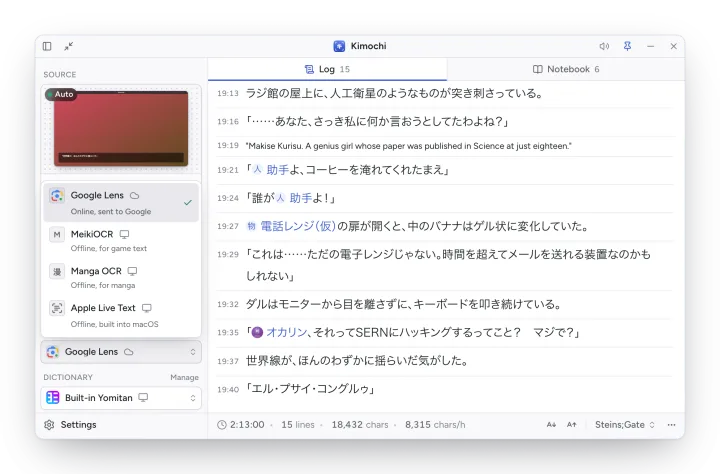
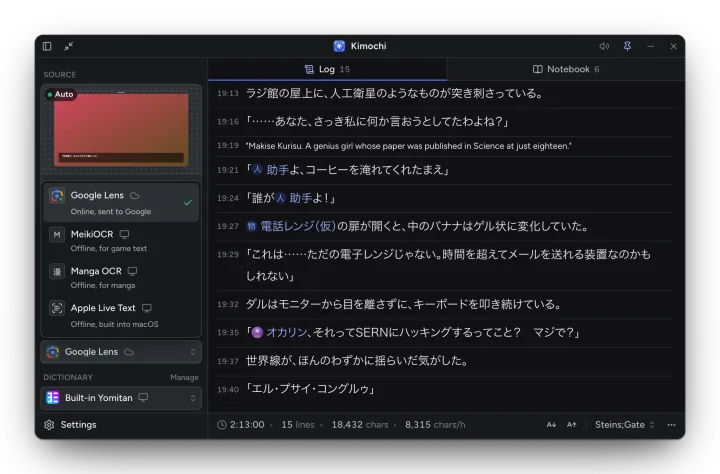
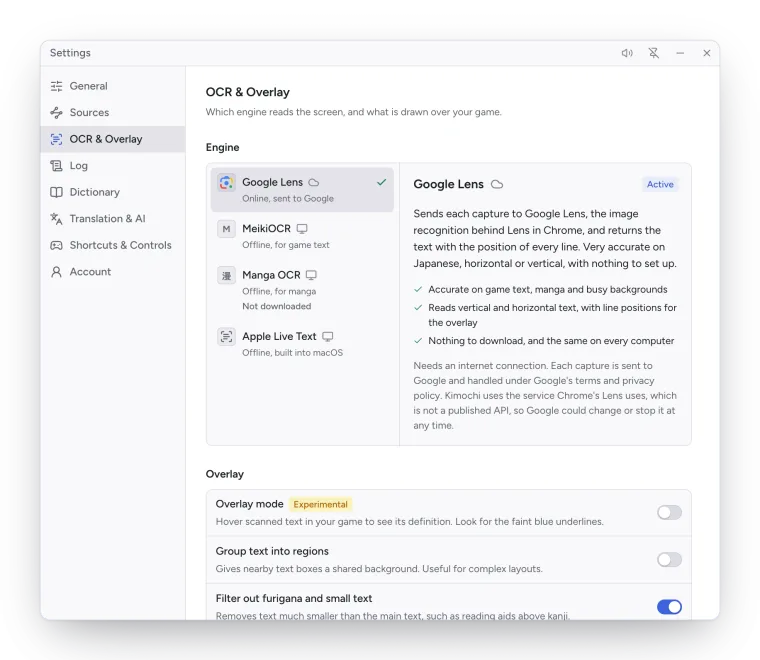
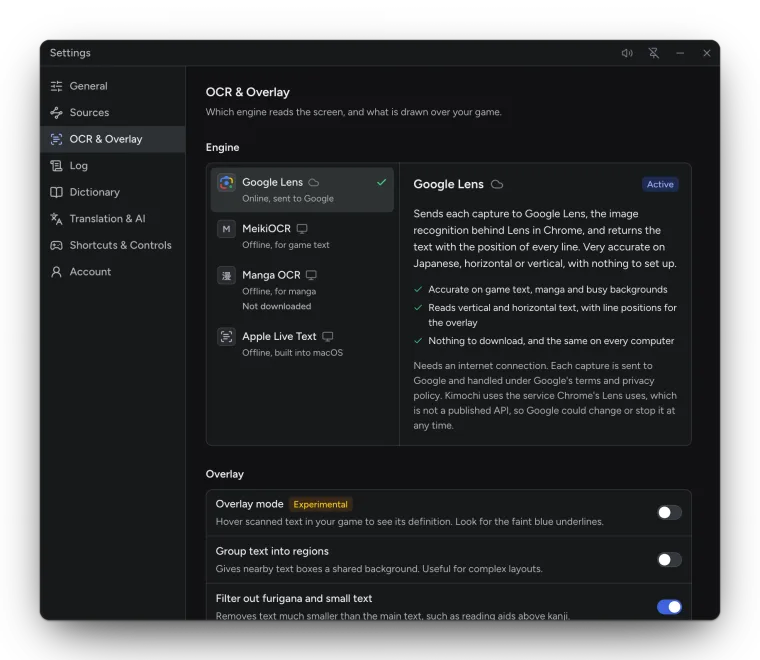
| Engine | Runs | Platforms | Download | Best for |
|---|---|---|---|---|
| Google Lens (default) | Online, sent to Google | All | None | Accurate on game text, manga and busy backgrounds, vertical or horizontal. |
| Cloud OCR | Online, on the Kimochi server (Google Cloud Vision) | All | None | Dependable on almost any Japanese text. Needs Kimochi Cloud. |
| MeikiOCR | On this computer | All | About 46 MB, once | Fast, offline reading of game text: dialogue boxes, menus, subtitles. |
| Manga OCR | On this computer | All | About 539 MB, once | Manga, stylised lettering and vertical text. Slower per scan. |
| Apple Live Text | On this computer | macOS | None | Part of macOS: fast, offline, vertical and horizontal. |
| OneOCR | On this computer | Windows | None | The Snipping Tool’s engine: offline, with word positions. |
Online engines need a connection and send each capture away to be read. Local engines keep every scan on this computer. See Privacy for exactly what is sent where.
Google Lens
Section titled “Google Lens”Sends each capture to Google Lens, the image recognition behind Lens in Chrome, and returns the text with the position of every line. It is very accurate on Japanese, horizontal or vertical, with nothing to set up. The image goes straight from your computer to Google, never through Kimochi’s servers.
Kimochi uses the service Chrome’s Lens uses, which is not a published API, so Google could change or stop it at any time.
Cloud OCR
Section titled “Cloud OCR”Sends each capture to the Kimochi server, which reads it with Google Cloud Vision and returns the position of every word. It needs a signed-in account with Kimochi Cloud; each scan counts towards the month’s cloud OCR allowance. The server doesn’t store the images or the text.
MeikiOCR
Section titled “MeikiOCR”A small, fast recogniser tuned for Japanese video game text, running entirely on this computer. A scan takes a fraction of a second. It uses the GPU where it can (Core ML on macOS, DirectML on Windows) and the CPU otherwise.
Manga OCR
Section titled “Manga OCR”Finds speech bubbles and text blocks with the comic text detector, then reads each one with Manga OCR, a model trained on manga. It reads each column of a bubble on its own, the way mokuro does, so characters stay in the column they were printed in. It uses Metal on macOS and CUDA on NVIDIA cards where it can.
Apple Live Text
Section titled “Apple Live Text”Reads text with the engine behind Live Text, the same recognition macOS uses when you select text in a screenshot. Nothing to download. It uses an unpublished system interface, so a future macOS release could need an update.
OneOCR
Section titled “OneOCR”Reads text locally with the OCR engine in Microsoft Snipping Tool, with word and line positions. On Windows 11, install or update Snipping Tool. On Windows 10 it needs three files copied from a Windows 11 Snipping Tool package; see Install on Windows.
Model downloads
Section titled “Model downloads”MeikiOCR and Manga OCR download their models the first time you choose them (from Hugging Face), once. Each file is checked against a pinned hash before it is used. The model row shows progress and lets you Pause, Resume, Cancel or Retry; Remove downloaded model… in the engine’s menu frees the space again.
Text filtering
Section titled “Text filtering”Settings → OCR & Overlay → Overlay has two options that shape what a scan keeps:
| Setting | Default | What it does |
|---|---|---|
| Filter out furigana and small text | On | Removes text much smaller than the main text, such as reading aids above kanji. |
| ↳ Size threshold | 75% | Text under this share of the median height is removed. Lower values filter more. |
| Group text into regions | Off | Gives nearby text boxes a shared background. Useful for complex layouts. |