
Controller
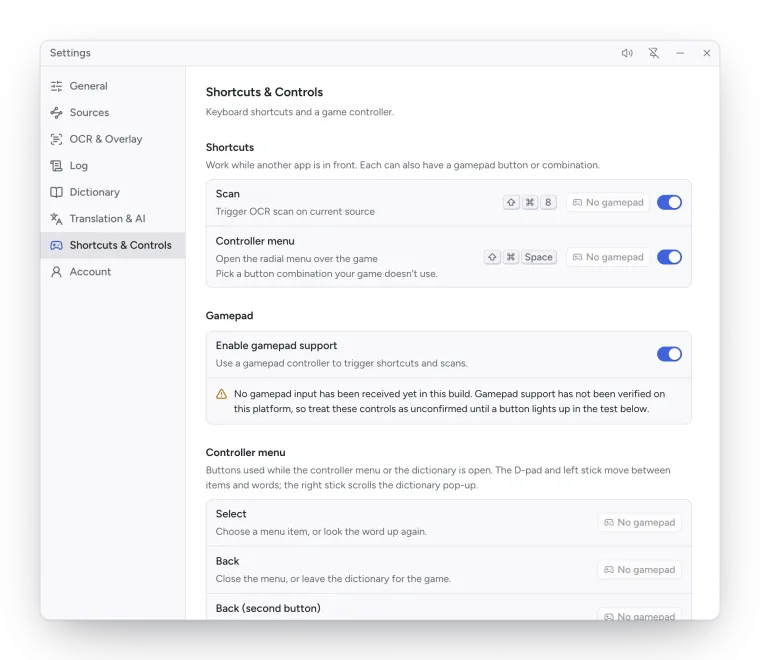
Kimochi reads gamepads natively, so buttons work while the game has focus. Gamepad support is on by default (Settings → Shortcuts & Controls → Gamepad → Enable gamepad support).
The controller menu
Section titled “The controller menu”Click both sticks (LS + RS) or press ⇧⌘Space / Ctrl+Shift+Space to open Kimochi’s radial menu over the game. Aim with the left stick or step with the D-pad, press A to choose and B to close. Every way out gives the game its focus back.
| Item | What it does |
|---|---|
| Scan | Scans, then starts word-by-word reading at the first word. |
| Read along | Word-by-word reading of the last scan (needs a scan first). |
| Auto OCR | Turns Auto OCR on or off. |
| Recent text | Your recent scans; pick one to read it again. |
| Kimochi | Shows the main window. |
| OCR settings | Opens Settings → OCR & Overlay. |
Pick a menu chord your game doesn’t use; you can change it in Settings → Shortcuts & Controls → Shortcuts → Controller menu.
Reading word by word
Section titled “Reading word by word”After Scan or Read along, Kimochi steps through the text one word at a time in reading order, with the dictionary pop-up open on the current word. A small guide at the bottom shows the buttons.
| Control | Action |
|---|---|
| D-pad / left stick ◀ ▶ | Previous / next word |
| D-pad / left stick ▲ ▼ | Previous / next line (column, for vertical text) |
| A | Look the word up again |
| LB / RB | Previous / next definition |
| Right stick | Scroll the pop-up |
| B (or Y) | Back to the game (or back to Recent text) |
In Kimochi’s windows
Section titled “In Kimochi’s windows”When a Kimochi window is focused, the D-pad and left stick move between controls, A activates the focused one (a text field opens an on-screen controller keyboard), B goes back or closes a dialog, and the right stick scrolls.
Settings
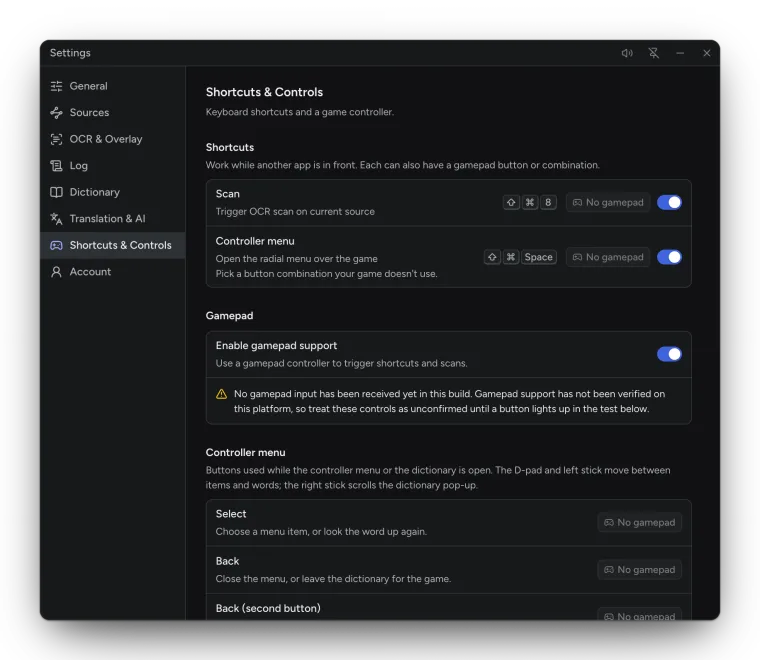
Section titled “Settings”Settings → Shortcuts & Controls has the gamepad settings:
- Shortcuts: a gamepad button or combination for Scan and Controller menu, beside the keyboard shortcut.
- Controller menu: the buttons for Select (A), Back (B), Back (second button) (Y), Previous definition (LB) and Next definition (RB).
- Connected gamepads: every pad Kimochi sees; Set as primary picks the one it listens to.
- Button test: buttons light up as you press them.
For a game where a button advances the text, Settings → OCR & Overlay → Scan after a button press scans a moment after you press it. See Auto OCR.
All buttons are listed in Controller buttons.