
The Log
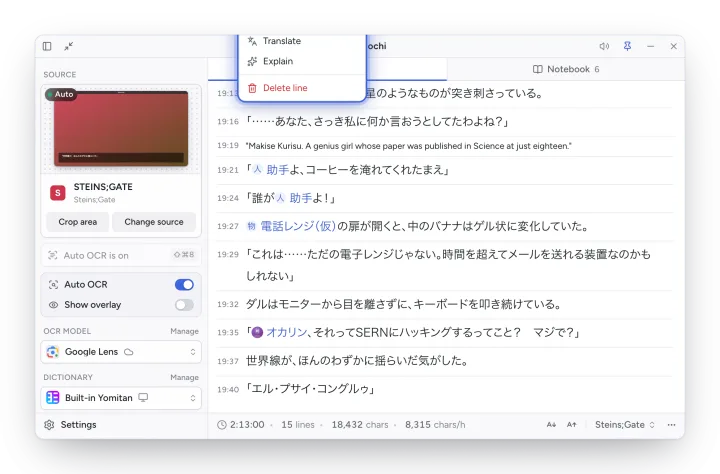
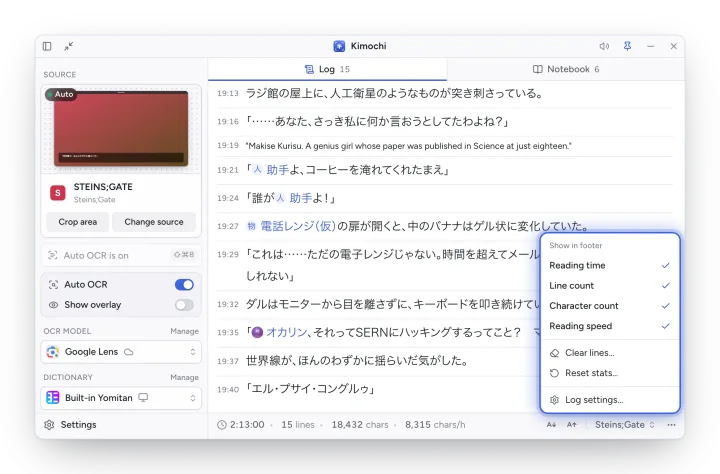
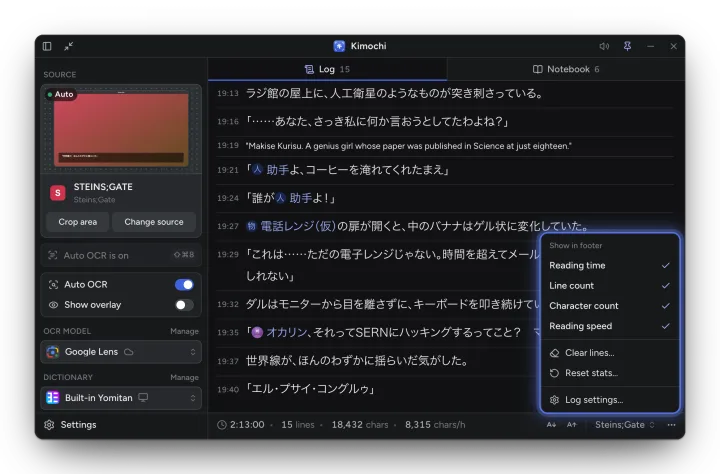
The Log is the main window’s transcript: every line from your source, newest at the bottom, with the time it arrived. Skipped a line too fast? Scroll back. Pick up tomorrow where you left off. Each game or book has its own session.
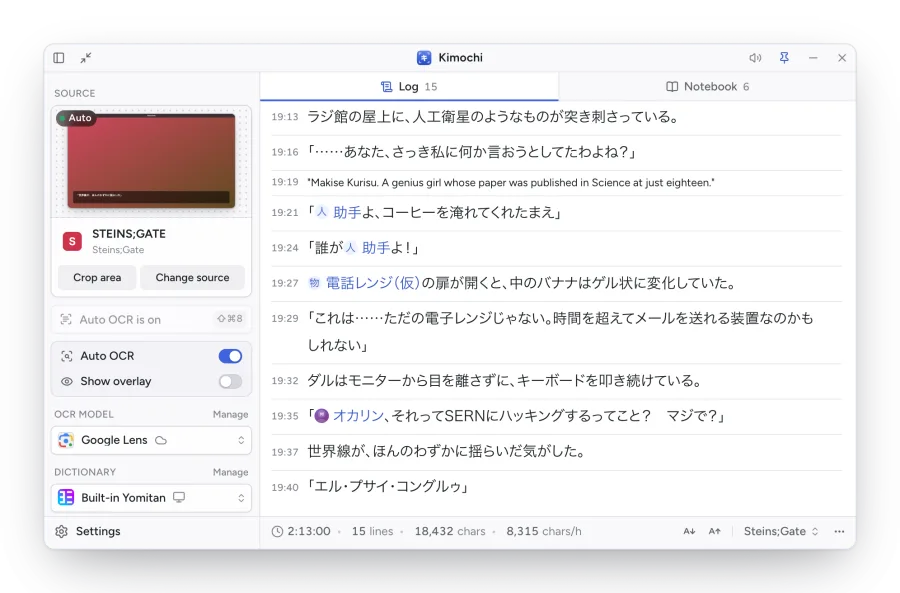
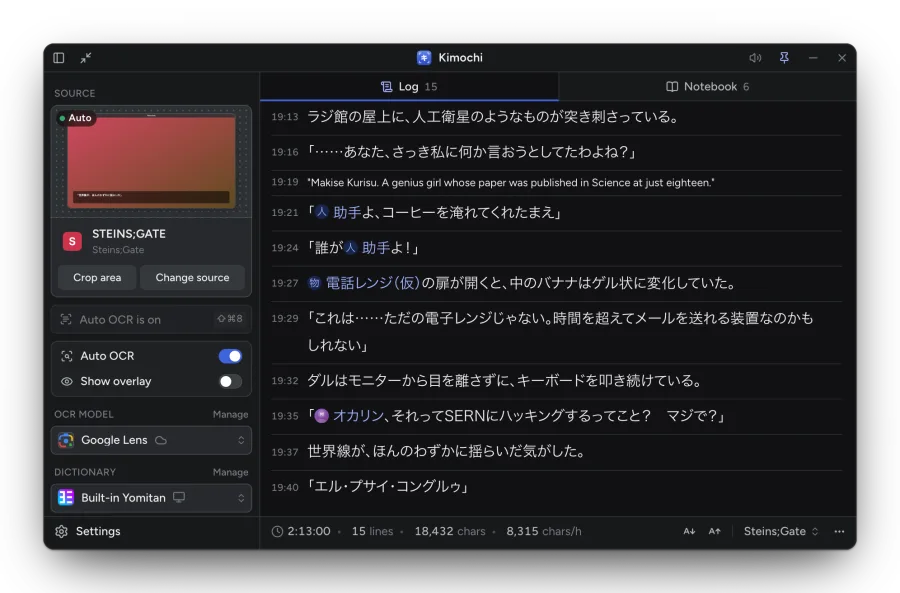
- Hold Shift and hover a word to look it up.
- Names from the Notebook show as chips (人 for characters, 地 for places, 物 for things); click one for its card.
- The Log shows the latest 100 lines; Show earlier lines loads 100 more.
- A divider marks each new day when a session spans several.
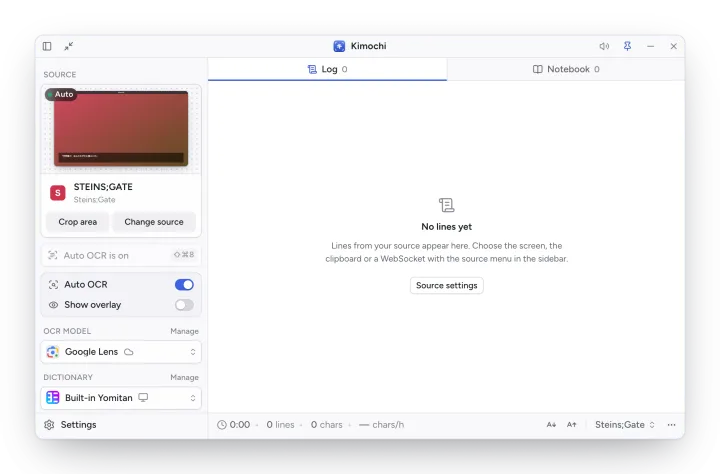
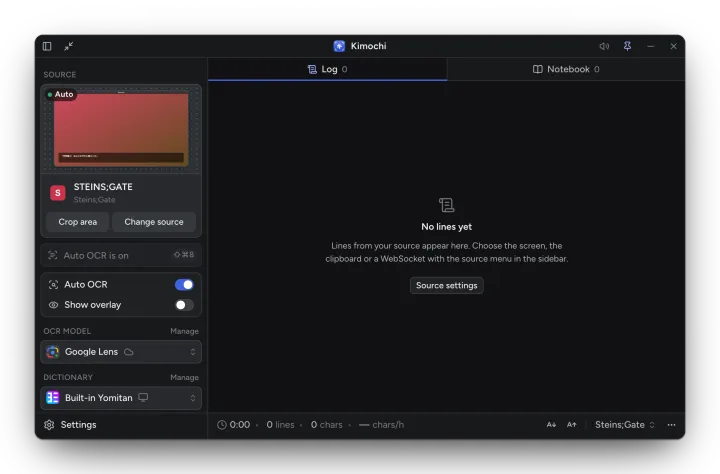
Before the first scan the Log says No lines yet, with a shortcut to Source settings.
Line actions
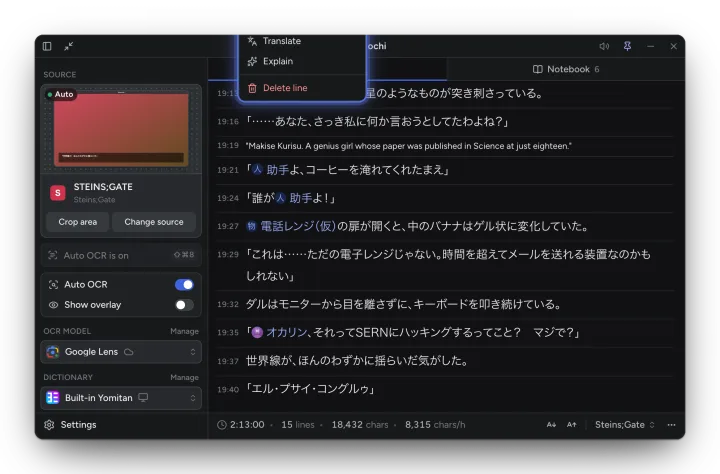
Section titled “Line actions”Hover a line and press ⋯, or right-click it:
| Action | What it does |
|---|---|
| Read aloud | Plays the line in an ElevenLabs voice (Kimochi Cloud). |
| Copy text | Copies the line (the English, when it is translated). |
| Copy selection / Add to notebook… | With text selected in the Log: copy it, or add it to the Notebook. |
| Translate / Show original | See Translation and AI. Shortcut T. |
| Explain | See Translation and AI. Shortcut E. |
| Delete line | Removes the line from the session. |
The footer
Section titled “The footer”The footer shows this session’s reading stats, the text size buttons and the session menu.
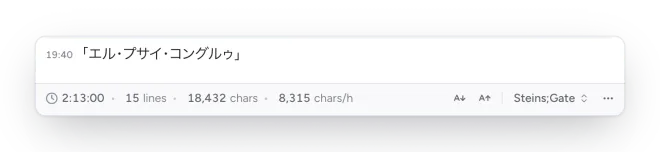
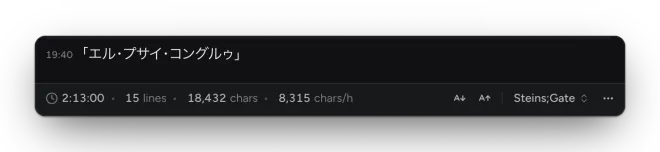
- Reading time, lines, chars and chars/h (reading speed). The timer pauses when you have been idle for a minute (Settings → Log → Reading timer).
- A− / A+ change the Log’s text size (12–48 px).
- The session name opens the session menu.
- ⋯ chooses which stats the footer shows, and has Clear lines…, Reset stats… and Log settings….
Which lines are kept
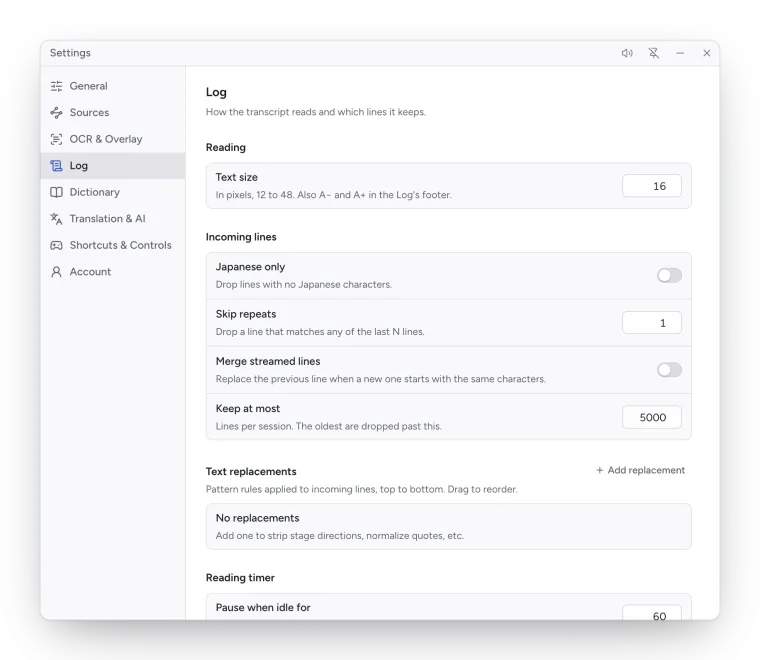
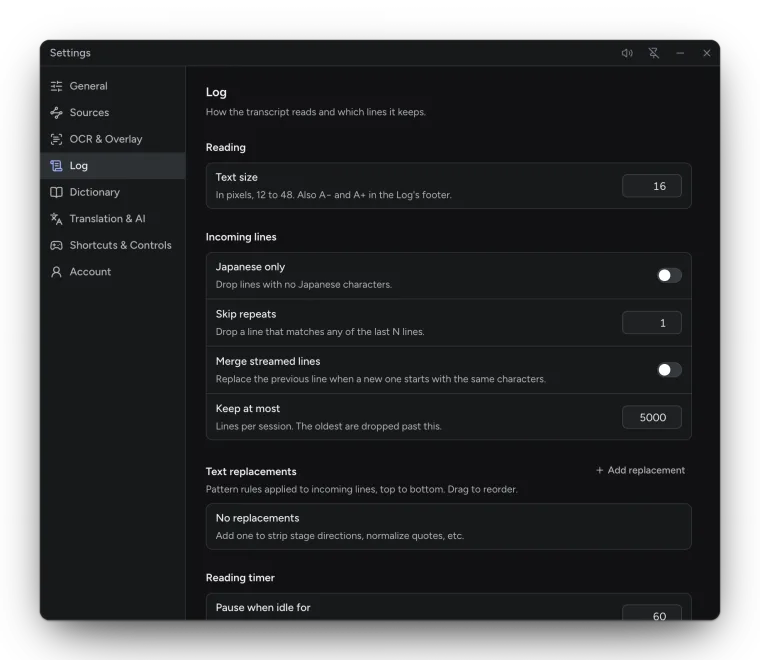
Section titled “Which lines are kept”Settings → Log → Incoming lines filters what lands in the Log:
| Setting | Default | What it does |
|---|---|---|
| Japanese only | Off | Keeps only lines with Japanese text. |
| Skip repeats | 1 | Drops a line that matches any of the last N lines. |
| Merge streamed lines | Off | Joins lines that arrive a piece at a time, comparing the first Characters to compare (4). |
| Keep at most | 5000 | Lines per session. |
Text replacements are pattern rules (regular expressions) applied to incoming lines, top to
bottom, for example to strip stage directions or normalise quotes. Each has a pattern, flags (such as
g) and a replacement, and can be turned off or dragged to reorder.
The activity ticker
Section titled “The activity ticker”A small ticker at the foot of the Log shows what the last scan did (Added 2 lines, No new text, Capture failed: …). Click it for the recent history.