
Mini mode
Mini mode shrinks Kimochi to just its controls: your source, Auto OCR, the overlay, your OCR model and dictionary, in a slim window that stays on top beside your game. Expand it again whenever you want the Log.
- Press the Mini mode button in the main window’s title bar (next to the sidebar button); it becomes Expand Kimochi.
- Or choose Mini mode from the tray icon’s menu.
- Choosing a full-screen source, or putting the game into full screen, switches to Mini mode on its own once the source has settled.
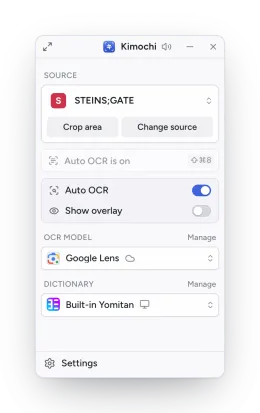
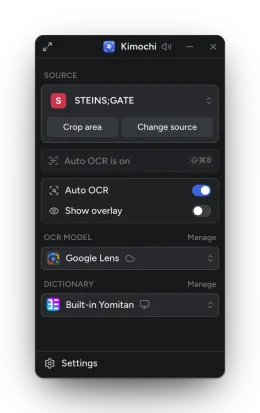
Expanding restores the window’s full size.