
Accounts and plans
You don’t need an account: Kimochi works fully without one. An account is where Kimochi Cloud lives, the optional paid plan for the extras that cost money to run.
| Free, no account | Kimochi Cloud |
|---|---|
| The overlay, Auto OCR and Mini mode | Translation of any line, right in the app |
| On-device and online OCR engines | On-demand AI explanations |
| The Log, Sessions and the Notebook | Read aloud in ElevenLabs voices |
| Yomitan, Hachidori, 10ten or your own Yomitan | Cloud OCR with Google Vision |
| Anki cards | Sync of your sessions and Notebook across computers |
| Gaming Mode on the Steam Deck |
Kimochi Cloud costs $6 a month, $60 a year (two months free) or $125 once for lifetime, with a 14-day free trial. See plans on kimochiapp.com.
Signing in
Section titled “Signing in”You can sign up with email, Google or Discord on kimochiapp.com. To sign the app in:
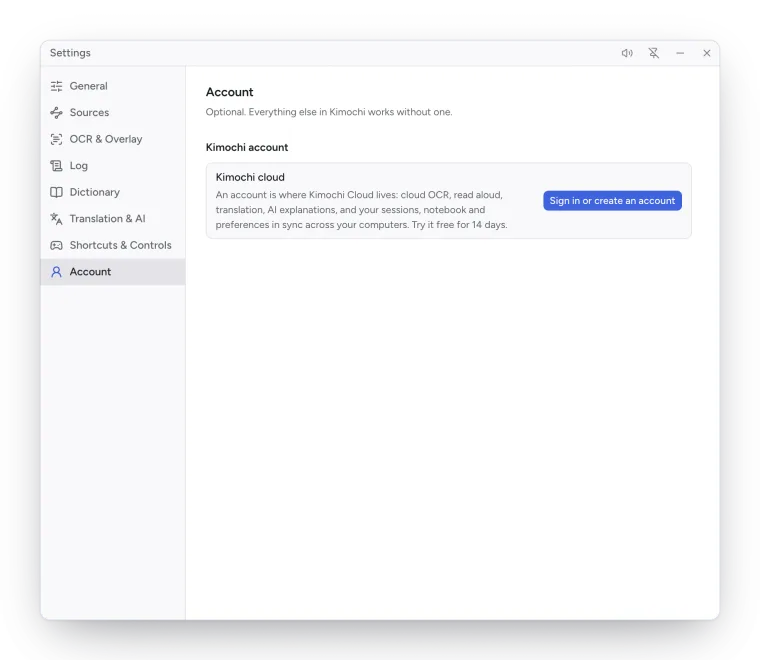
-
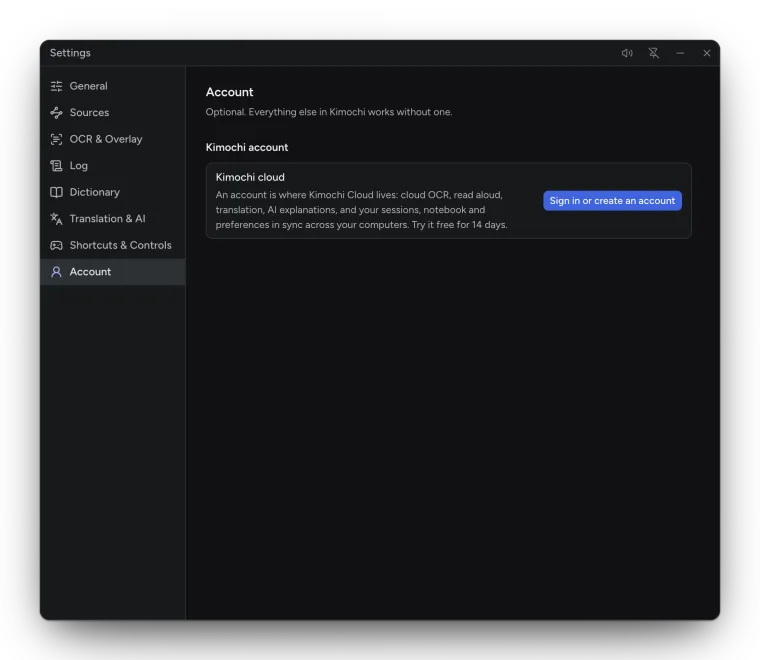
In Kimochi, open Settings → Account and choose Sign in or create an account.
-
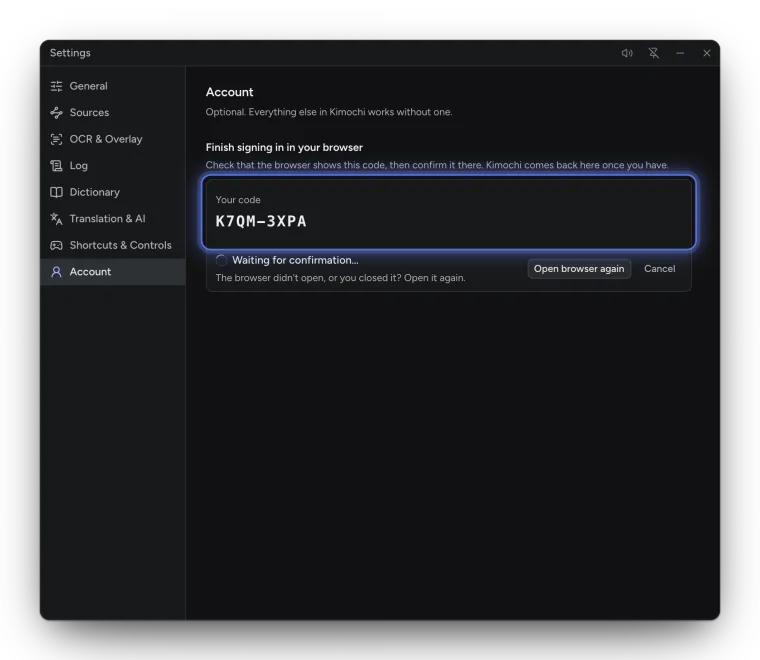
Your browser opens on kimochiapp.com and Kimochi shows a code, such as
K7QM-3XPA. Sign in on the website if you need to. -
Check that the browser shows the same code, then choose Yes, sign in Kimochi. Only approve if you just chose Sign in in Kimochi and it shows this exact code.
-
Kimochi comes back to Settings → Account on its own. Open Kimochi on the website brings it forward.
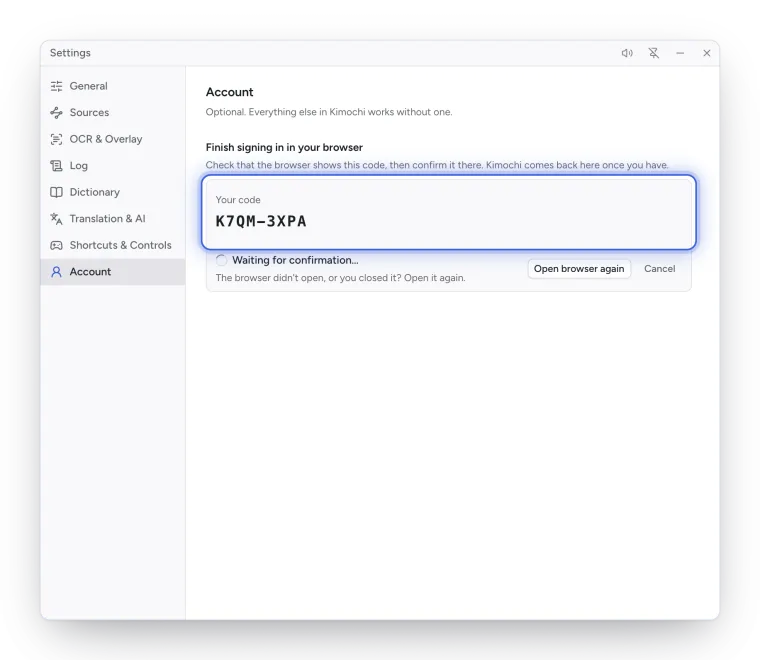
Codes work for 10 minutes, once. If the browser didn’t open, or you closed it, choose Open browser again. You can see and sign out linked apps on your account page under Kimochi apps.
Your account in the app
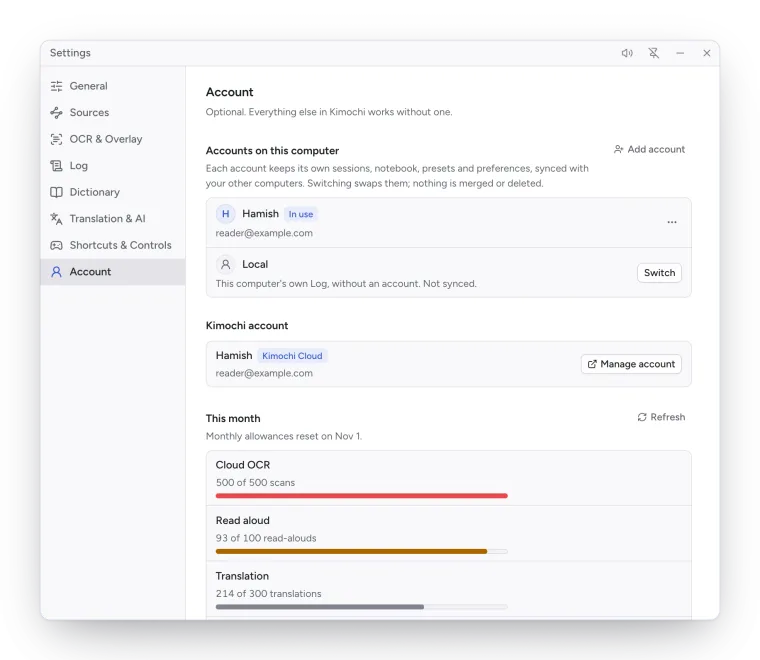
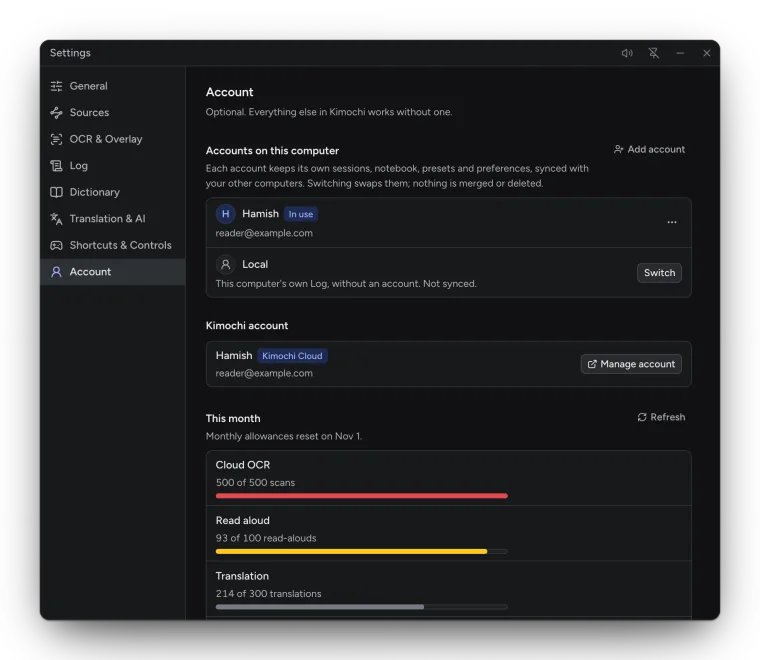
Section titled “Your account in the app”Signed in, Settings → Account shows your plan and This month’s usage of cloud OCR, read aloud, translation, explanations and sync storage, with Manage account to open the website. Without Kimochi Cloud it offers See plans; start a trial on the website and Kimochi picks it up within a few minutes (or press Refresh).
More than one account
Section titled “More than one account”Accounts on this computer lists each account you have signed in, plus Local: this computer’s own Log, without an account, not synced. Each account keeps its own sessions, Notebook, presets and preferences; Switch swaps them, and nothing is merged or deleted. Add account signs in another.
Signing out switches Kimochi to Local; the account’s data stays on this computer, ready when you sign in again. Remove from this computer… signs out and deletes that account’s data here (what has synced stays in your account).
Managing your account
Section titled “Managing your account”On kimochiapp.com/account you can change your profile and sign-in methods, manage your plan, see and sign out linked apps, download or delete your synced data, and delete your account. Deleting removes everything straight away and signs out every linked app.