
Sessions and stats
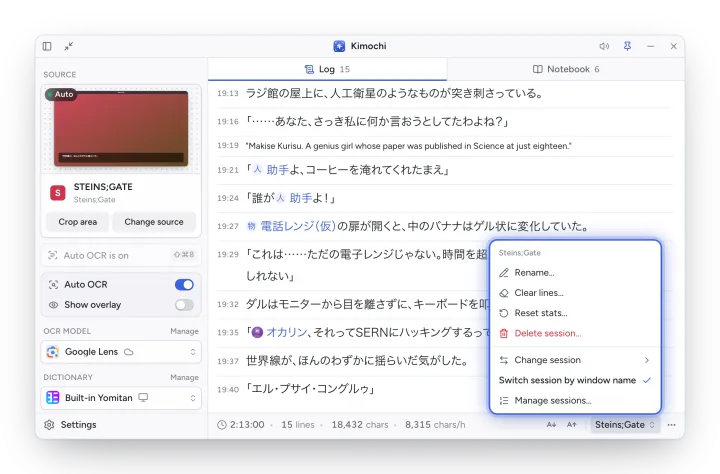
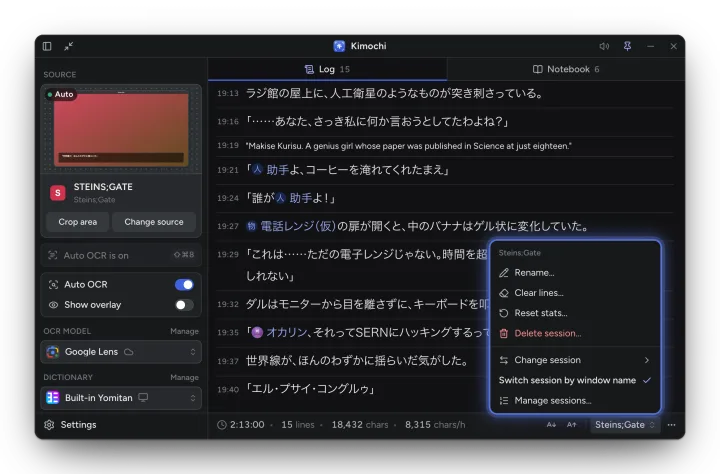
A session is a separate Log for one game, visual novel or manga, with its own lines, reading stats and Notebook. The current session’s name is in the Log’s footer; click it for the session menu.
| Item | What it does |
|---|---|
| Rename… | Edit the session’s name and description. |
| Clear lines… | Empties its Log. |
| Reset stats… | Sets its reading time, lines and characters back to zero. |
| Delete session… | Deletes it, with its transcript, Notebook and images. |
| Change session | Switch to another session, or start a New session. |
| Switch session by window name | Each window you read gets its own session, created the first time (on by default). |
| Manage sessions… | Rename, reorder (drag a handle, or focus it, press Space and use the arrows) and delete sessions. |
Reading stats
Section titled “Reading stats”Each session counts reading time, lines and characters, and the footer shows your reading speed in characters per hour. The timer stops when you have been idle for 60 seconds; change it in Settings → Log → Reading timer → Pause when idle for (10–600 seconds). Choose which stats the footer shows from the Log’s ⋯ menu.