
Installation
Download Kimochi from kimochiapp.com. The download button picks the right file for your computer; Other platforms lists every build. Builds are also published on GitHub Releases.
Which file is which
Section titled “Which file is which”| Platform | File | Notes |
|---|---|---|
| macOS, Apple silicon | Kimochi_<version>_aarch64.app.zip |
Signed and notarised. |
| Windows x64 | Kimochi_<version>_x64-setup.exe |
Installs for the current user. |
| Windows ARM64 | Kimochi_<version>_arm64-setup.exe |
|
| Linux x64 | kimochi_<version>_amd64.AppImage or .deb |
The one-line installer uses the AppImage. |
| Linux ARM64 | kimochi_<version>_aarch64.AppImage or kimochi_<version>_arm64.deb |
Nightly builds drop the _<version> part of the name.
Updates
Section titled “Updates”Kimochi updates itself. In release builds it checks quietly shortly after launch and then every six hours, and shows a notice in the sidebar when a new version is out. You start the download and you choose when to restart; nothing is installed behind your back. You can also check from Settings → General → Updates.
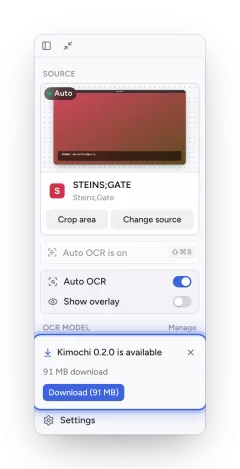
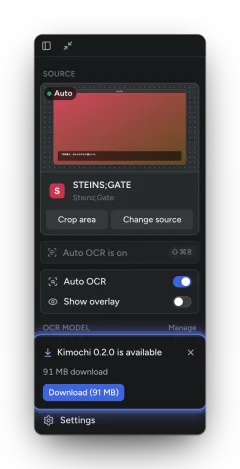
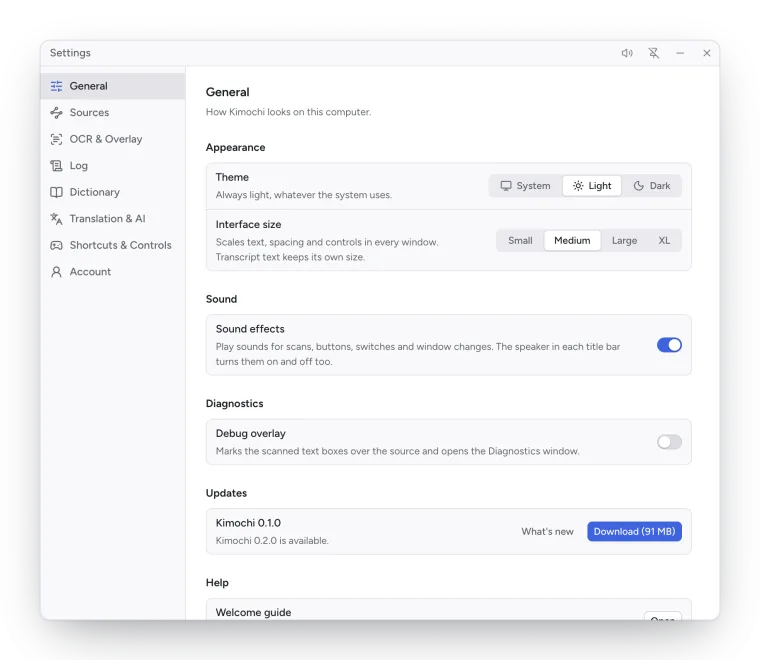
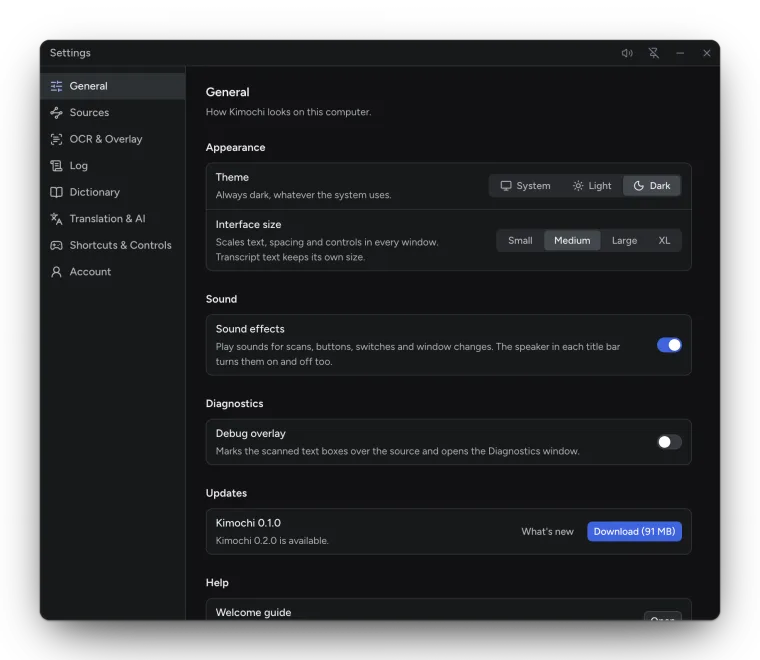
After an update, What’s new opens once on its own with the release notes. It is always in Settings → General → Updates → What’s new.
Every update is checked against Kimochi’s signing key before it is installed. Development (nightly) builds are never offered as updates.
Building from source
Section titled “Building from source”Kimochi is open source under the GPL-3.0. To build it yourself, see the README.