
Sync and backup
Signed in with Kimochi Cloud, your sessions, Notebook, presets and preferences stay on this computer and sync in the background with your other computers signed in to the same account, even after time offline. Your DeepL key, other secrets and this computer’s own settings (window positions, capture source and the like) never leave it.
There is no switch: signed in means syncing. Kimochi syncs a few seconds after a change, when a window comes forward, at start and every minute. Offline, it notes what changed and tries again a minute later.
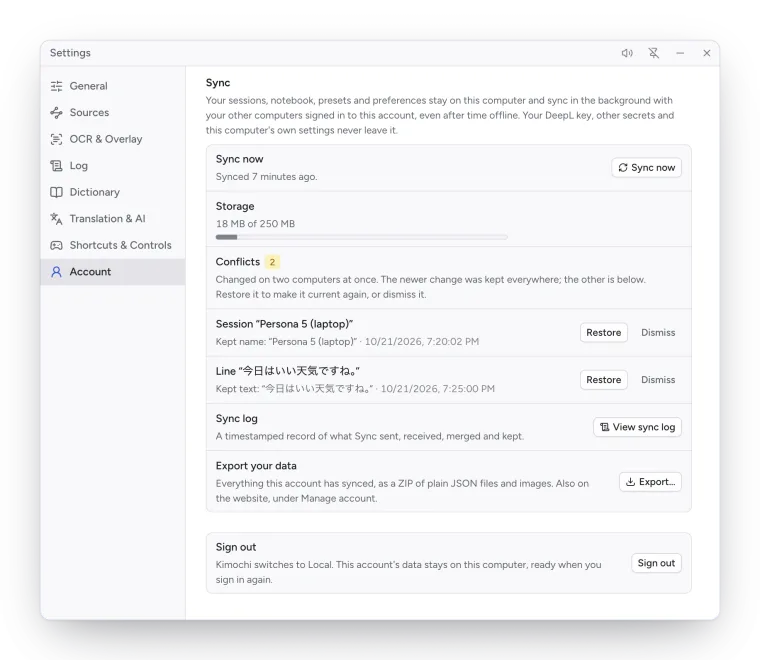
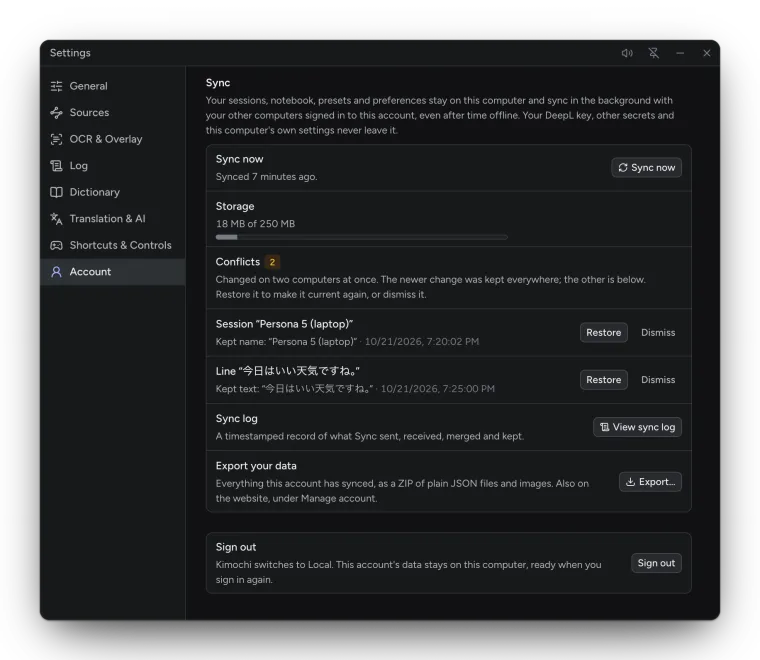
| Row | What it does |
|---|---|
| Sync now | Syncs straight away. |
| Storage | How much of your sync storage is in use. |
| Conflicts | When something changes on two computers at once, the newer change wins and the other is kept here. Restore makes it current again; Dismiss drops it. |
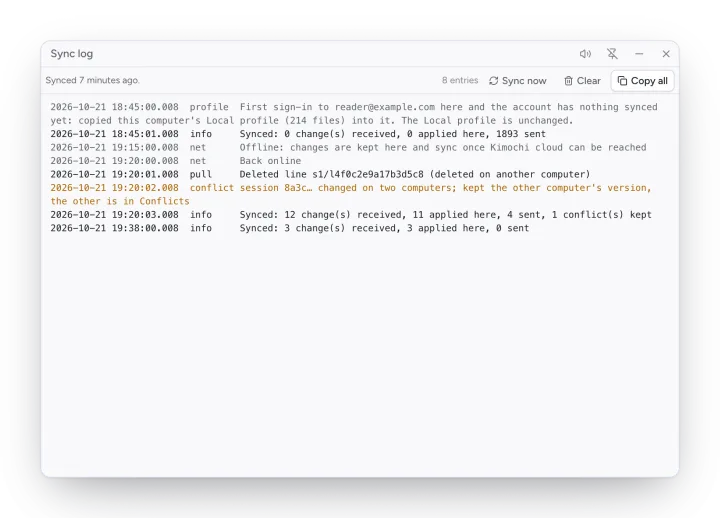
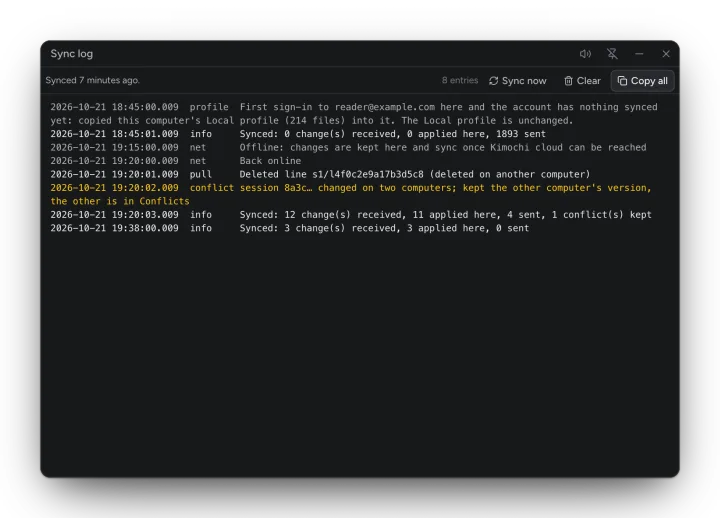
| Sync log | View sync log opens a timestamped record of what Sync sent, received, merged and kept (Copy all to share it). |
| Export your data | Export… saves everything this account has synced as a ZIP of plain JSON files and images. Also on the website, under Manage account. |
First sign-in
Section titled “First sign-in”The first time an account is used on a computer, Kimochi copies this computer’s Local Log into it if the account has nothing synced yet, so a new sign-up keeps its work. Otherwise it fills it from the server.
Without an account
Section titled “Without an account”Without an account, nothing syncs and there is no export in the app. Your Log, Notebook and settings are in Kimochi’s data folder; back that folder up to keep a copy.