
Dictionaries
Kimochi looks words up with a pop-up dictionary engine. Choose one in the sidebar’s Dictionary menu or in Settings → Dictionary; Kimochi downloads it from its official release the first time.
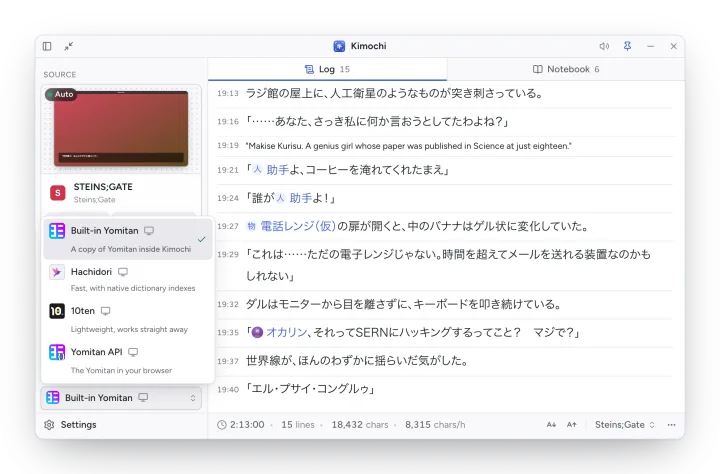
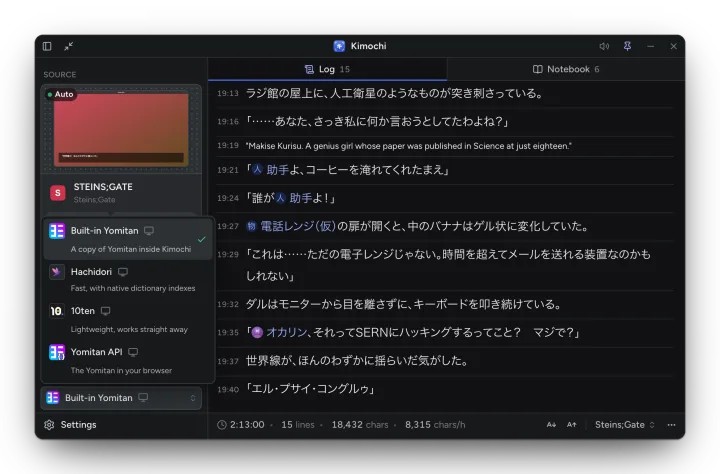
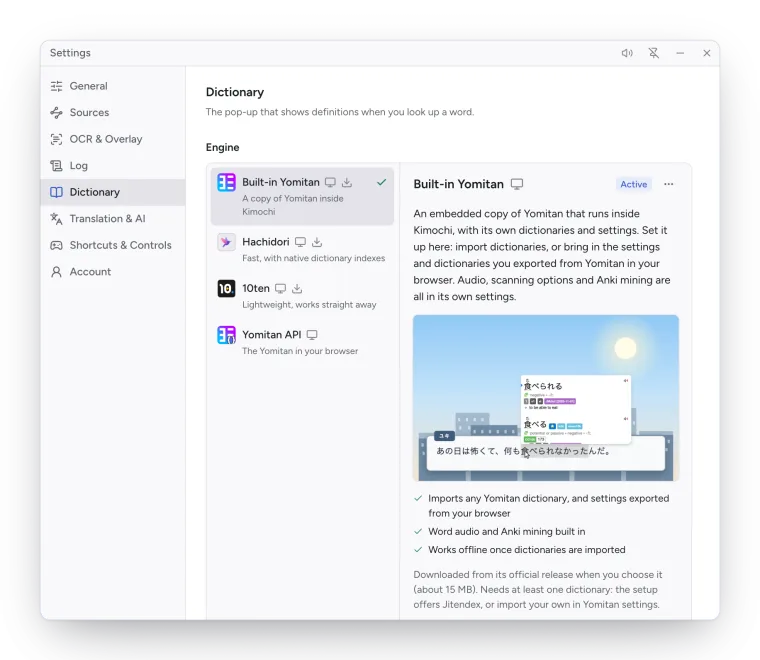
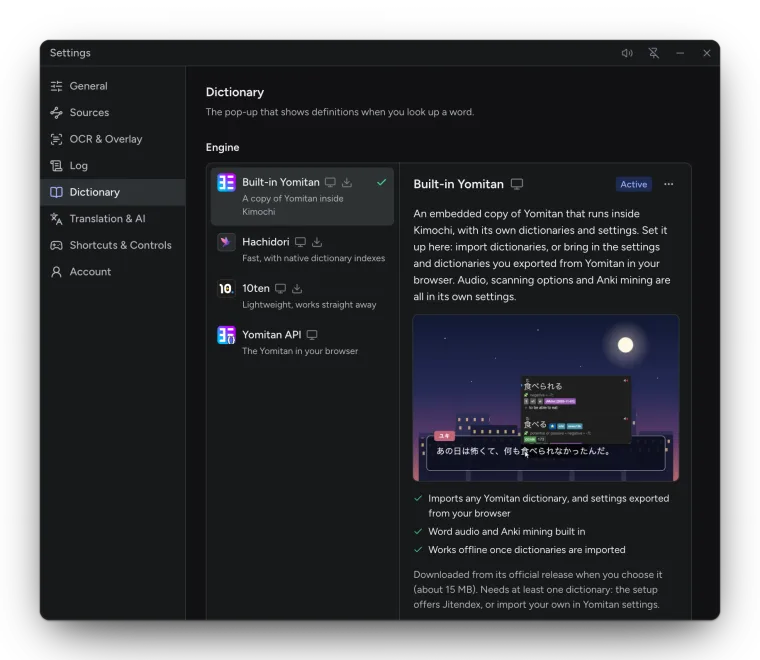
| Engine | What it is | Download | Anki |
|---|---|---|---|
| Built-in Yomitan (recommended) | A copy of Yomitan inside Kimochi, with its own dictionaries and settings. | About 15 MB | Yomitan’s own mining |
| Hachidori | A fast engine written in C++ and compiled to WebAssembly, with native dictionary indexes. Imports Yomitan dictionaries and MDict. | About 5 MB | Through AnkiConnect |
| 10ten | Lightweight, works straight away with a bundled word dictionary, then downloads JMdict, kanji and names dictionaries in the background. | About 18 MB | None |
| Yomitan API (experimental) | A pop-up built into Kimochi that looks words up through the Yomitan in your browser. | Small helper | Kimochi’s card builder |
How engines are downloaded
Section titled “How engines are downloaded”Kimochi itself carries no dictionary engine. Each engine is pinned to one upstream GitHub release: Kimochi downloads it when you choose it, checks the download and every file in it against pinned SHA-256 hashes, and runs it unmodified. Downloads resume if interrupted; quitting pauses one.
Switching engines asks to download the new one if needed (Download …?), then reloads the reader windows: Now using … The reader windows reloaded with it.
Built-in Yomitan
Section titled “Built-in Yomitan”An embedded copy of Yomitan that runs inside Kimochi, so there is no browser extension to install. It needs at least one dictionary:
- Set up Jitendex (in the welcome guide) downloads the Jitendex Japanese–English dictionary and enables it in your current profile.
- Open Built-in Yomitan settings (in Settings → Dictionary) opens Yomitan’s own settings page, where you import dictionaries, restore a settings backup exported from Yomitan in your browser, and set up audio, scanning and Anki.
Dictionaries are stored on this computer and lookups run locally.
Hachidori
Section titled “Hachidori”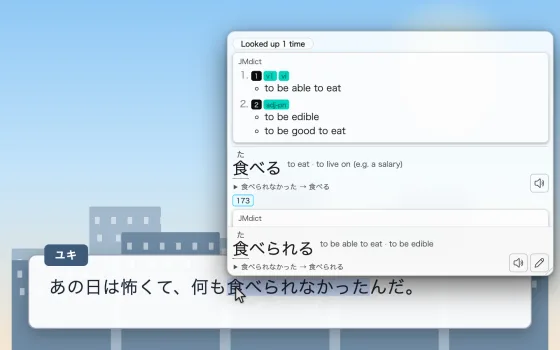
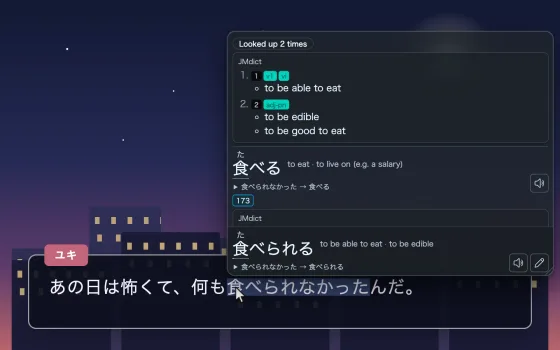
Hachidori offers a set of recommended dictionaries the first time its settings open, and imports Yomitan dictionaries and MDict files you already have. Kimochi runs its single-threaded engine, so imports take a few seconds longer than in Chrome. Open its settings with Open Hachidori settings.
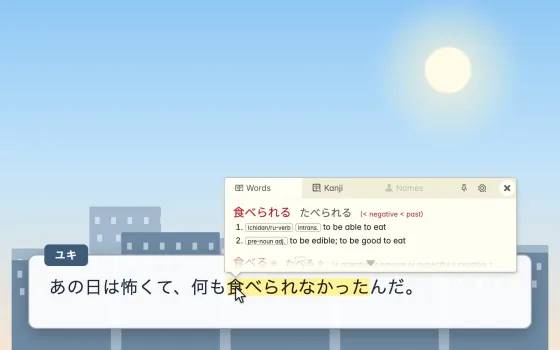
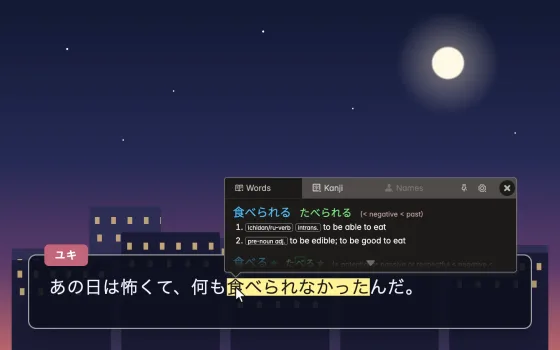
10ten works straight away with its bundled word dictionary, and downloads the full JMdict, kanji and names dictionaries from data.10ten.life in the background, keeping them up to date. There is nothing to import. It doesn’t make Anki cards.
Yomitan API
Section titled “Yomitan API”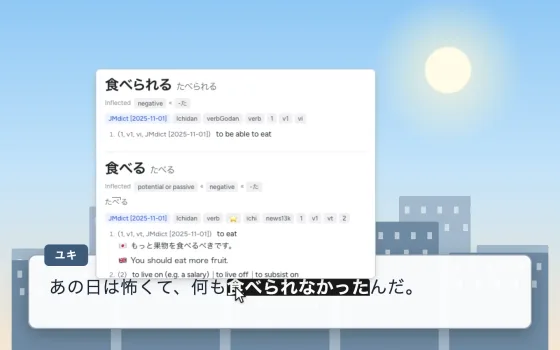
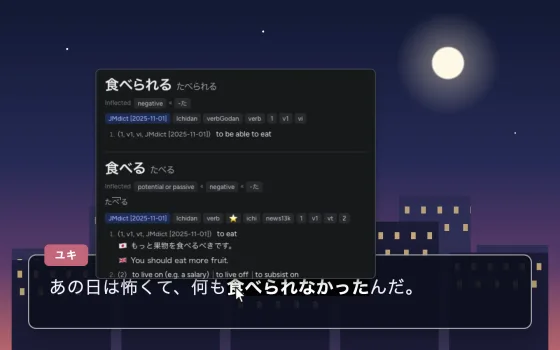
Uses the Yomitan you already use in your browser, with its dictionaries and settings, over the Yomitan API. It needs a small helper that the browser starts (Kimochi installs it for you) and one setting in Yomitan:
- In Settings → Dictionary → Your browser’s Yomitan, run Set up the Yomitan API and choose Install helper.
- In your browser’s Yomitan settings, turn on Advanced, then under General turn on Enable Yomitan API.
- Back in Kimochi, choose Check again.
Kimochi also downloads Yomitan itself, to split text into words. The pop-up’s options:
| Setting | Default |
|---|---|
| API address | Empty: http://127.0.0.1:19633 |
| Pop-up size | 480 × 360 px |
| Fetch word audio | On |
| Play on lookup | On |
| Volume | 90% |
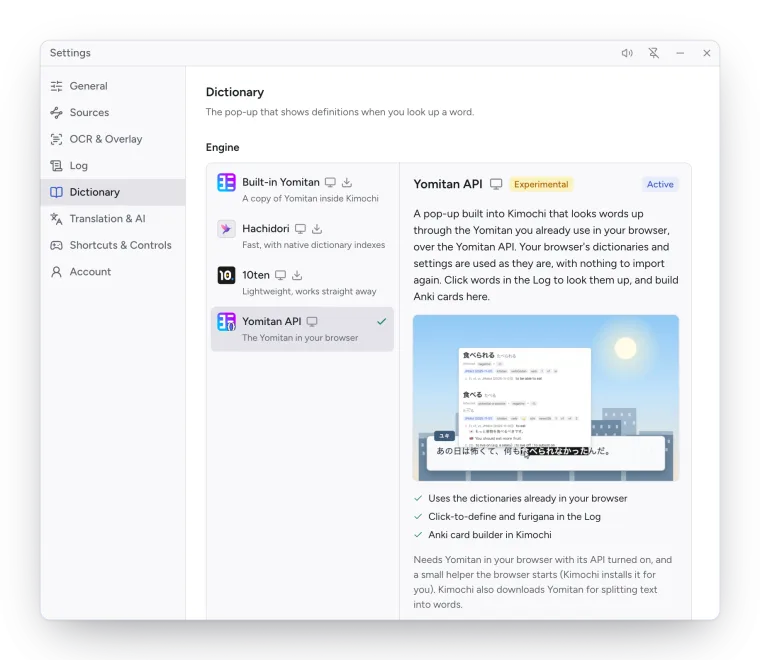
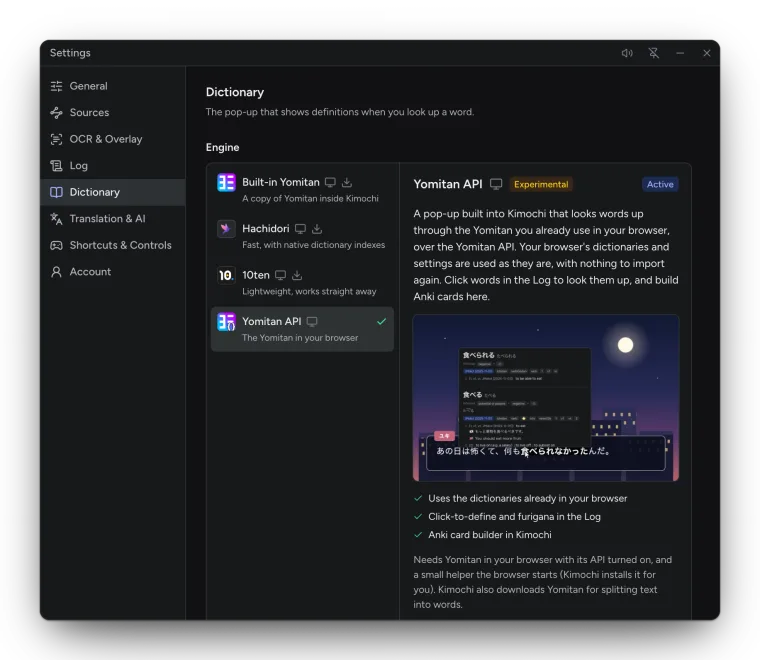
Anki cards for this engine are set up in Kimochi; see Anki.