
Notebook
The Notebook keeps the cast, places and things of a session. Names you add are recognised in the Log as you read, so you can click one to remember who or what it was. Open it with the Notebook tab (⌘2 / Ctrl+2).
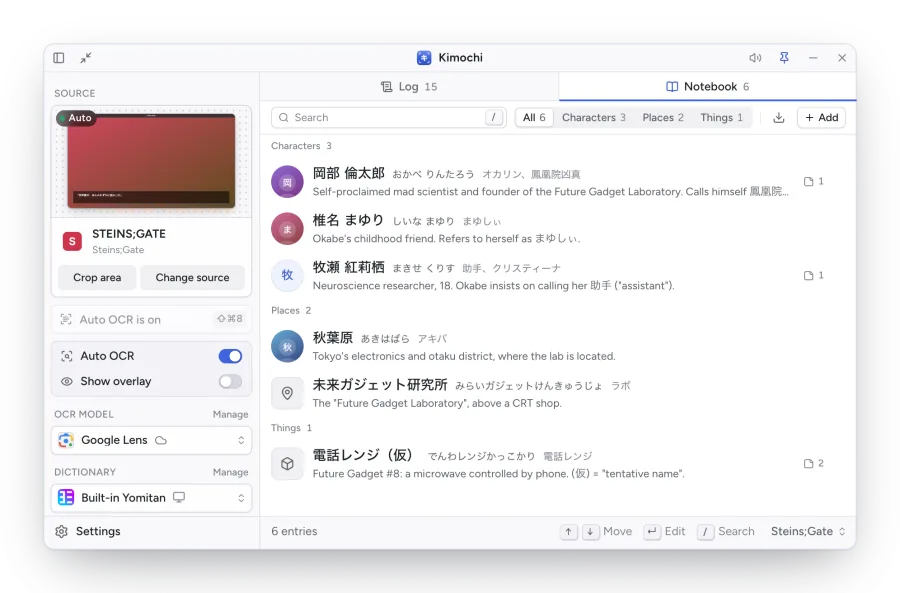
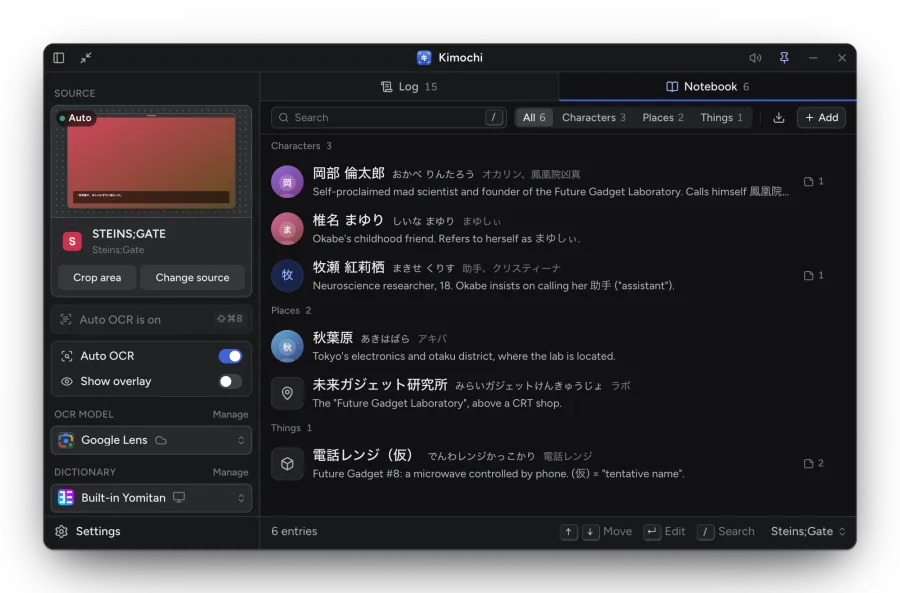
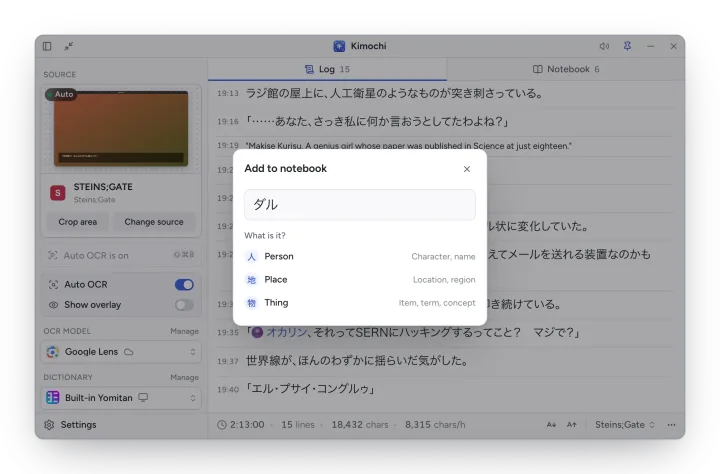
Entries come in three kinds: Character (人), Place (地) and Thing (物). Filter by kind, or search names, readings, aliases, descriptions and notes. Use ↑ ↓ to move, Return to edit and / to search.
Adding entries
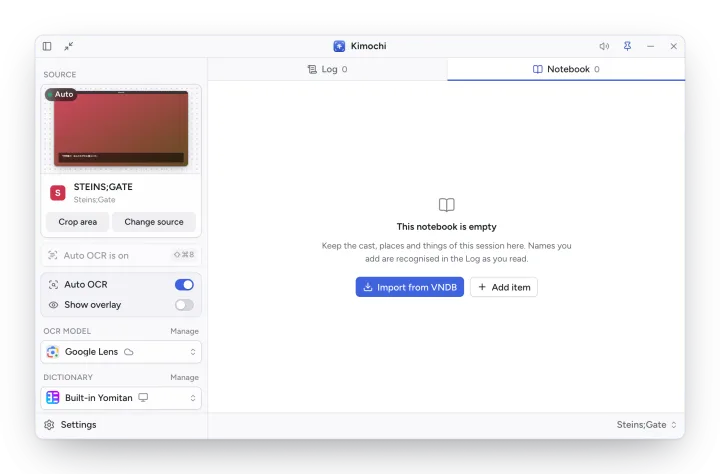
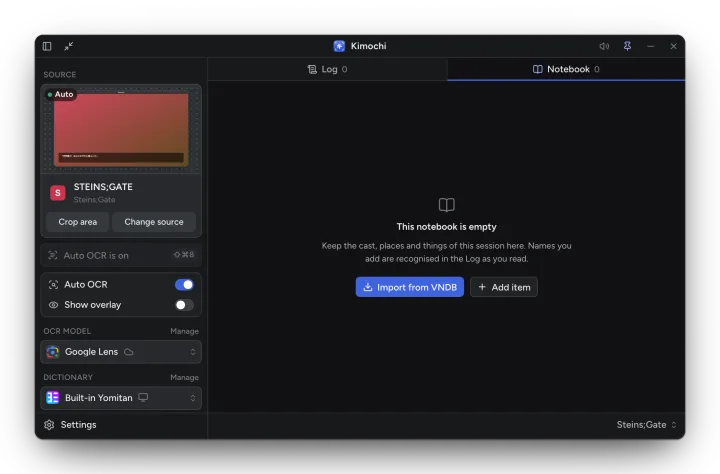
Section titled “Adding entries”- Add (or Add item in an empty Notebook) and choose Character, Place or Thing.
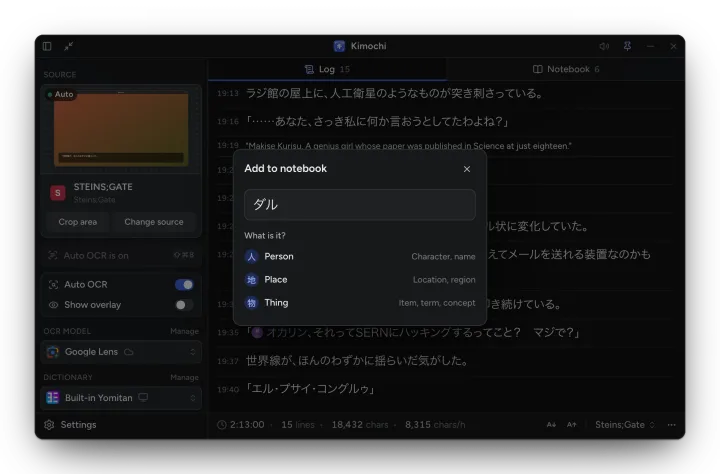
- In the Log, select a name, right-click it and choose Add to notebook…. Pick what it is, then fill in the rest.
- Import from VNDB brings in a visual novel’s characters.
Editing an entry
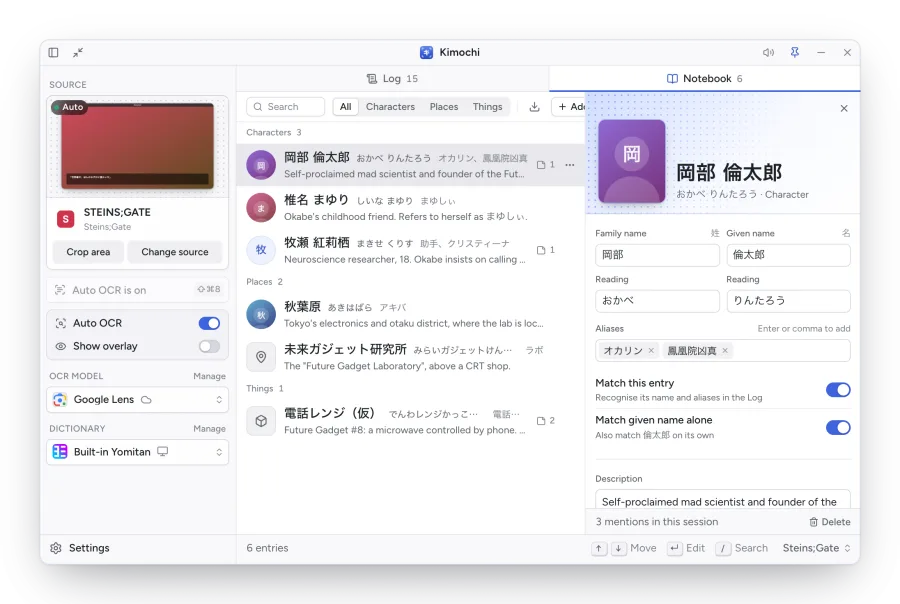
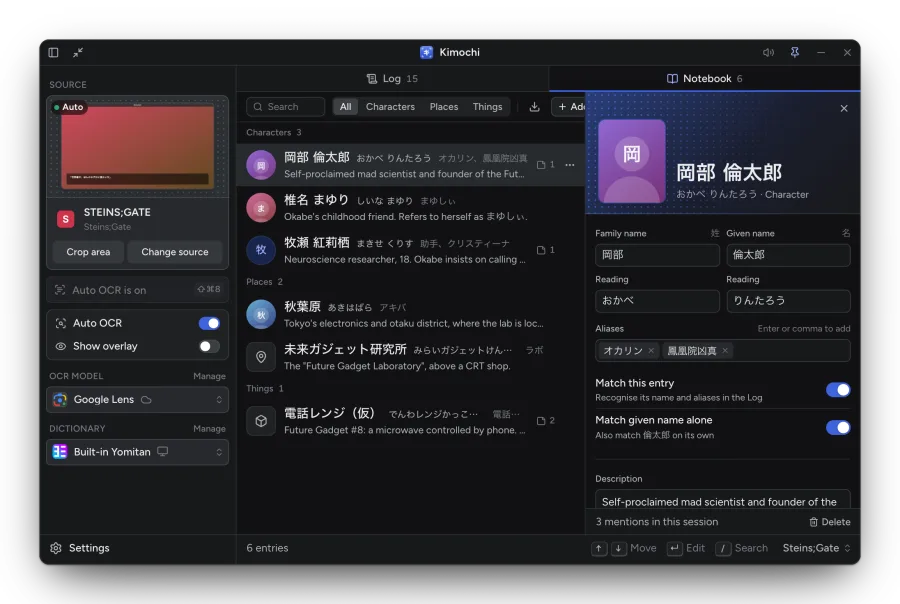
Section titled “Editing an entry”Click an entry to open its editor beside the list:
- Family name and Given name with their readings (characters), or Name and Reading.
- Description, Aliases (press Return or a comma to add one), Notes and Images (paste or drop them in).
- Match this entry recognises its name and aliases in the Log; for characters, Match given name alone also matches the given name by itself.
In the Log
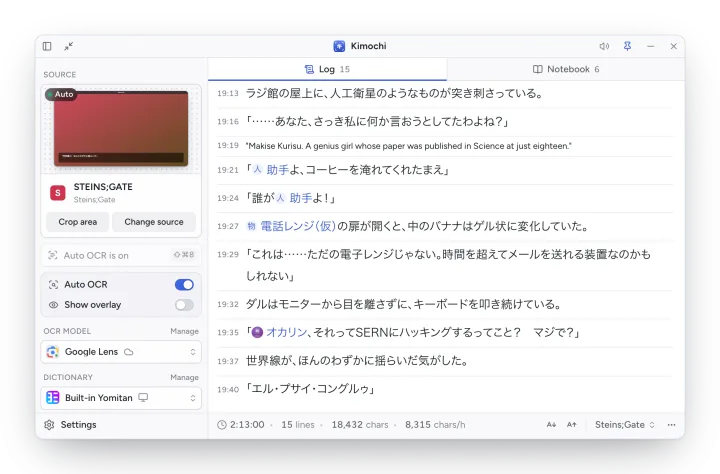
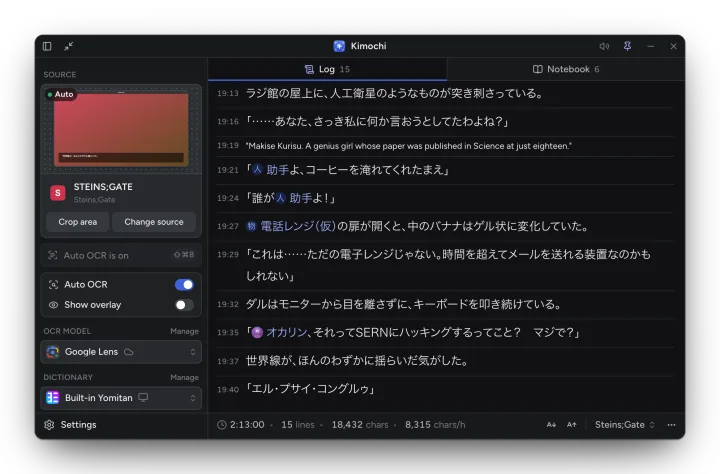
Section titled “In the Log”Matched names show as chips in the Log. Click one for a card with its kind, nicknames and notes, and Open in Notebook.
Import from VNDB
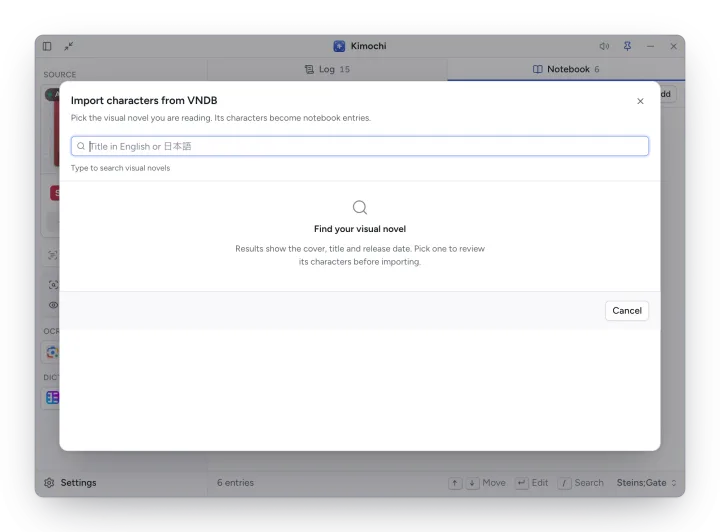
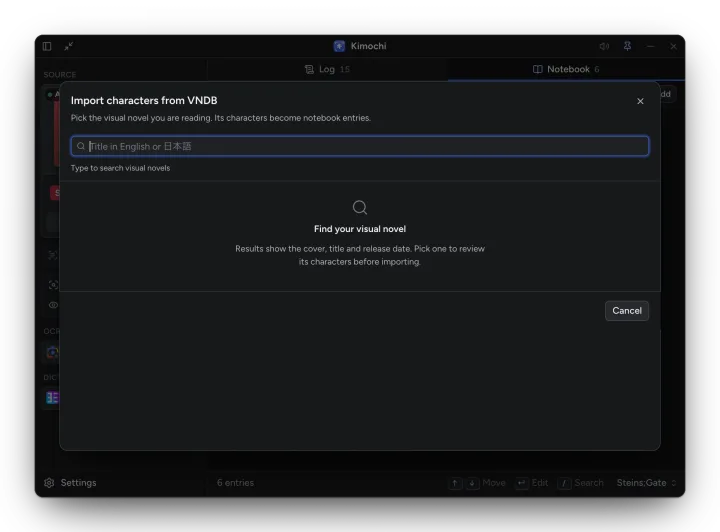
Section titled “Import from VNDB”Import from VNDB (in the Notebook’s toolbar) searches VNDB for the visual novel you are reading, in English or Japanese. Pick it, review its characters, and import them as notebook entries. Re-importing is safe: existing characters are updated in place. Images VNDB marks as NSFW are hidden.
The Notebook belongs to the session: each game keeps its own.