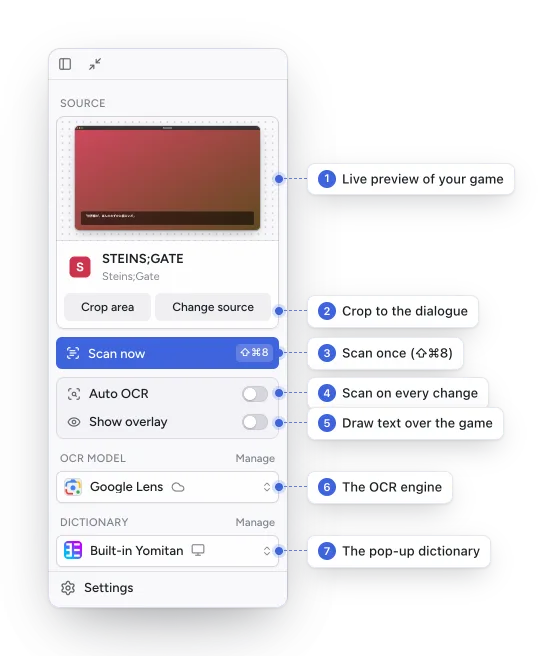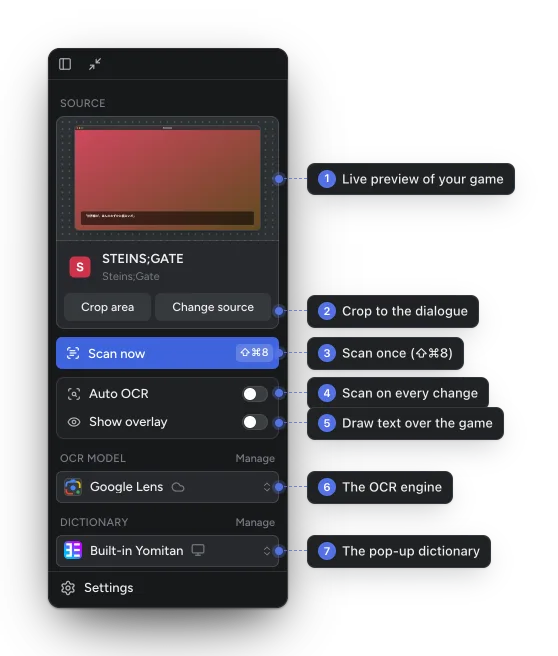
Capture and OCR
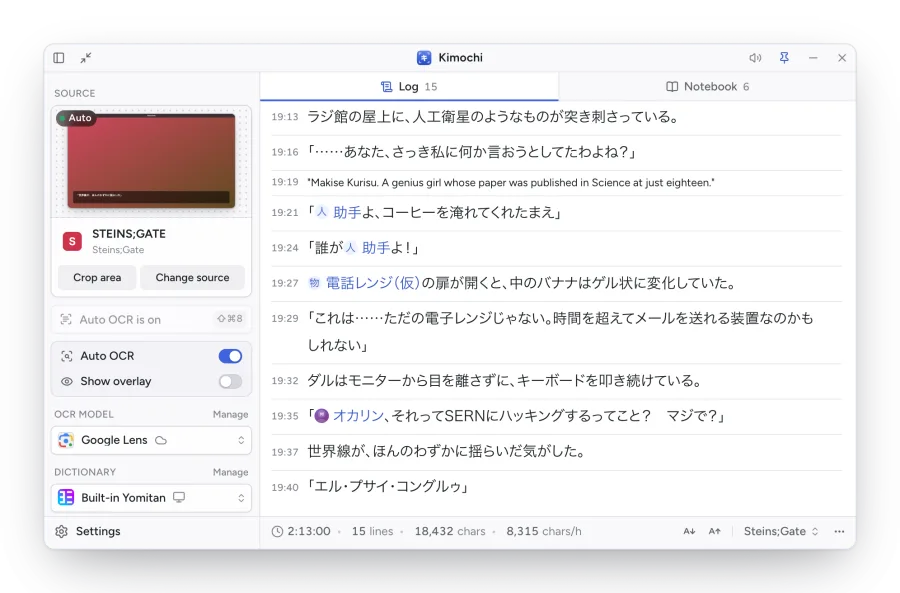
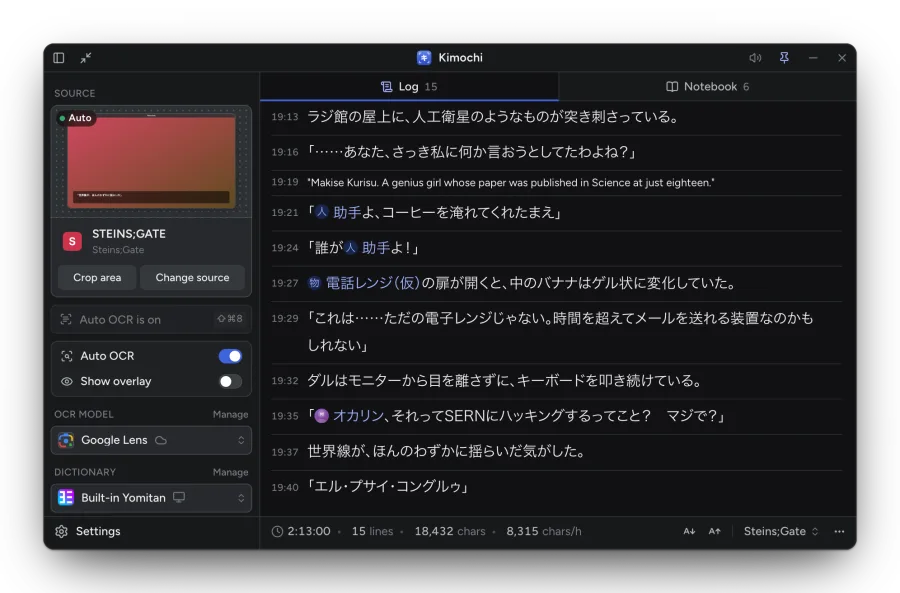
Pick a game window or a whole screen, crop it to the dialogue, and press Scan or turn on Auto OCR. Choose from online and on-device OCR engines. Sources · OCR engines
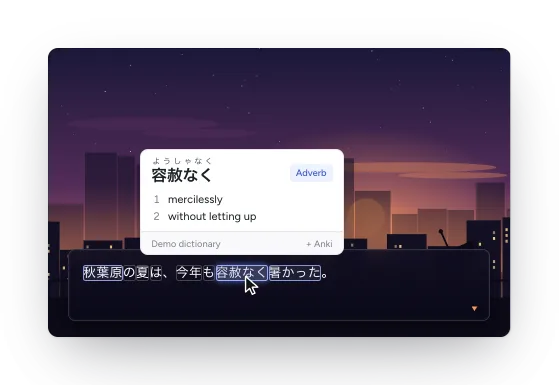
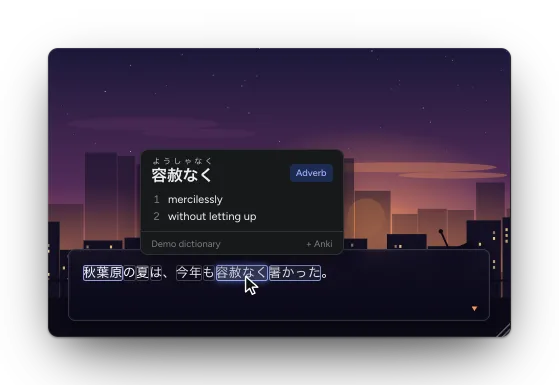
Kimochi reads the Japanese text on your screen, draws it over the game and puts every word a hover away from its meaning. This guide covers installing it, setting it up and everything it can do.
Capture and OCR
Pick a game window or a whole screen, crop it to the dialogue, and press Scan or turn on Auto OCR. Choose from online and on-device OCR engines. Sources · OCR engines
The overlay
Kimochi can draw the recognised text back over the game, so you can hover any word right where it is. The overlay
Pop-up dictionaries
Built-in Yomitan, Hachidori or 10ten, downloaded from their official releases, or the Yomitan in your browser. Dictionaries
The Log
Every line lands in a Log you can scroll back through, with a session and reading stats per game, translation and explanations. The Log
Notebook
Keep the characters, places and things of a story. Names you add light up in the Log as you read; import a cast from VNDB. Notebook
Anki
Make cards through AnkiConnect, from the dictionary pop-up. Anki
Controller and Steam Deck
A radial menu and word-by-word reading on a gamepad, including Steam Deck Gaming Mode (experimental). Controller
Texthookers
Already hooking text out of a visual novel? Feed Kimochi over WebSocket or the clipboard. Texthookers and clipboard
Kimochi Cloud
Optional: cloud OCR, read aloud, translation, AI explanations and sync between computers. Accounts and plans